Printable Cornell Notes Templates
Step up your note-taking game with our well-designed collection of printable Cornell notes templates. Tailored to meet the needs of avid note-takers, each template is available for download in PDF, PNG, and JPG formats to suit various preferences. You have the freedom to choose between A4 or US Letter sizes for maximum convenience. But that's not all – our templates come with customizable options, allowing you to adjust fonts, colors, and text to your liking. Perfect for students, professionals, and anyone eager to organize their thoughts, our templates are designed to help you capture information efficiently and effectively. Download now and transform the way you record knowledge.


What is a Cornell Notes Template
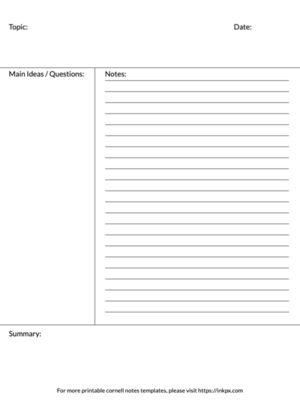
The Cornell Notes Template is a systematic format designed for condensing and organizing notes. Developed by Dr. Walter Pauk in the 1950s at Cornell University, this method encourages students to systematically structure their notes by dividing the information into summaries, cues, and detailed notes.
What to Include on a Cornell Notes Template
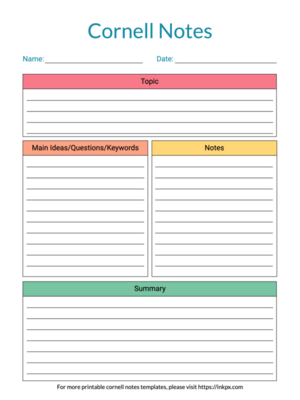
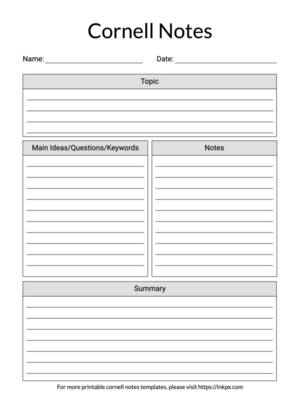
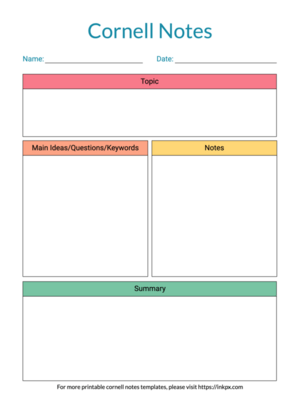
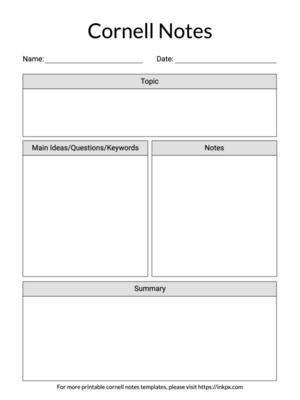
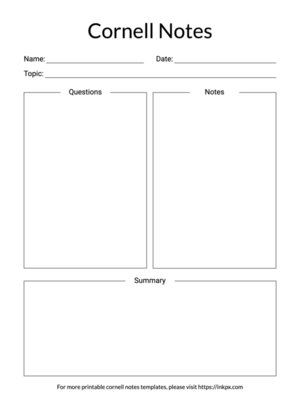
- Name: Always start by writing your name at the top. This ensures that your notes are easily identifiable.
- Date: Next to or beneath your name, write the current date. Dating each set of notes helps keep your records in order and tracks your learning progress over time.
- Topic: Clearly state the topic or subject of the notes you are taking. A distinct topic header makes it easier to categorize and review notes for future reference.
- Cue: Main Ideas/Questions/Keywords: The cue column is to the left of your note-taking area. Use this space for jotting down main ideas, potential exam questions, or key terms. This will aid in review and comprehension.
- Notes: The largest part of the template is dedicated to note-taking. Here, you'll write down the lecture's or reading material's pertinent details. This should be done in an organized manner based on the cues.
- Summary: At the bottom of the page, a reserved space for a summary allows for a concise review of what was covered. Writing a summary helps to reinforce the material's critical points and enhances the learning and retention process.