Class Tools
Our classroom tools are completely online, require no downloads, and work on all modern browsers. They're built with teachers in mind - easy to set up, intuitive to use, and adaptable for a wide range of classroom needs. Whether you're teaching in-person, remotely, or in a hybrid setting, these tools offer flexible solutions to boost engagement and productivity.
Class Tools
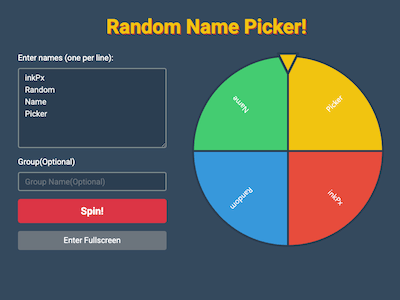
This random name picker is a simple yet powerful tool designed to make classroom participation fun and fair. Just enter your student list and let the tool randomly select names for answering questions, activities, or rewards. It helps ensure equal chances for everyone while keeping the atmosphere lively. Perfect for teachers who want to boost interaction without favoritism, this tool saves time and removes bias. Whether used for cold calls, attendance, or classroom games, it's an easy way to add spontaneity to your lessons and encourage every student to stay alert and involved.
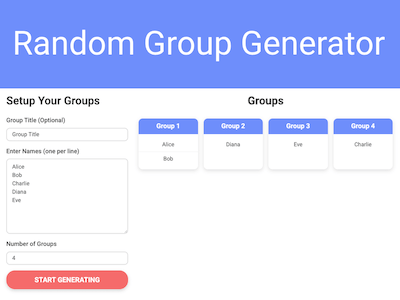
This random group generator quickly forms student groups for any classroom activity. Simply enter the names and choose how many groups. It instantly shuffles and assigns students, saving you time and avoiding awkward pairing decisions. Ideal for collaborative work, projects, games, or peer learning, this tool promotes classroom variety and fairness. It encourages students to interact with different classmates and reduces repetitive group patterns. Teachers can use it to foster teamwork and create dynamic learning environments with just a few clicks, whether you're online or in person.
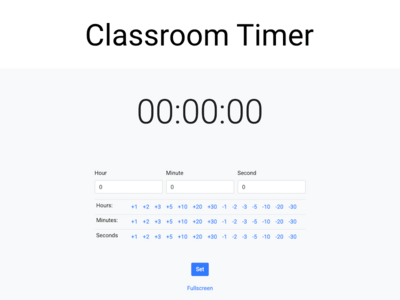
This classroom timer is a flexible countdown tool to help manage class activities, tests, and learning stations efficiently. Set any time interval, press start, and let the clear display keep everyone on track. Perfect for timed exercises, breaks, silent reading, or transitions, it promotes focus and time awareness. The visual countdown adds structure to your classroom routine, helping students pace themselves. Whether you're keeping a fast-paced review session or managing rotations during centers, this timer is an essential tool for improving classroom time management with ease and clarity.
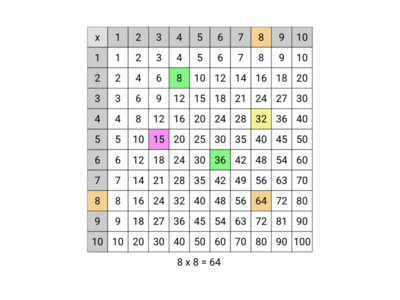
This interactive multiplication chart is a hands-on tool that helps students master multiplication in a visual and engaging way. Learners can explore times tables from 1 to 12, 20, N, clicking on rows and columns to reveal answers instantly. It reinforces number patterns, strengthens math fluency, and supports different learning styles through interactive exploration. Ideal for classroom demonstrations, math centers, or individual practice, this chart makes multiplication less intimidating and more fun. Whether used for learning, review, or quizzes, it's a great digital aid for building strong math foundations.
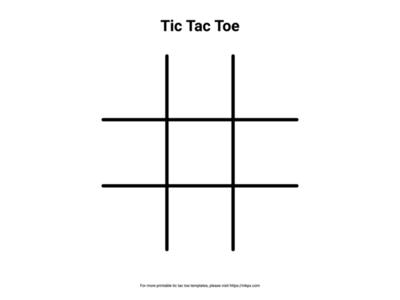
This Tic Tac Toe game brings a classic twist to classroom fun. Students can play against each other or challenge the computer in a fast-paced game of strategy and critical thinking. It's perfect as a brain break, reward activity, or early-finisher option. Beyond entertainment, it encourages logical reasoning, planning, and good sportsmanship. Teachers can even use it creatively to review content by replacing Xs and Os with answers to quiz questions. Simple, familiar, and engaging, this game offers a quick mental refresh that fits easily into any part of the school day.
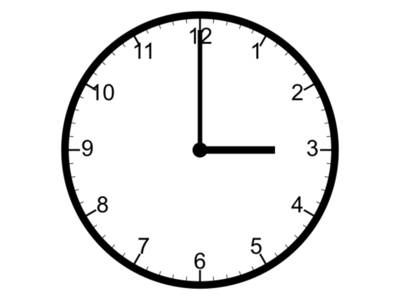
The interactive analog clock is a simple yet powerful classroom tool designed to make learning how to tell time more engaging and hands-on. Unlike a standard clock, this tool allows teachers and students to manually move or draw the hour and minute hands, making it easier to demonstrate different times and concepts like half past, quarter to, or elapsed time. By visually showing the relationship between the two hands, students can better understand how time works and practice reading it accurately. This interactive approach encourages active participation, making time-telling lessons both fun and effective for young learners.